09:00 · Plan
A live map,clear days.
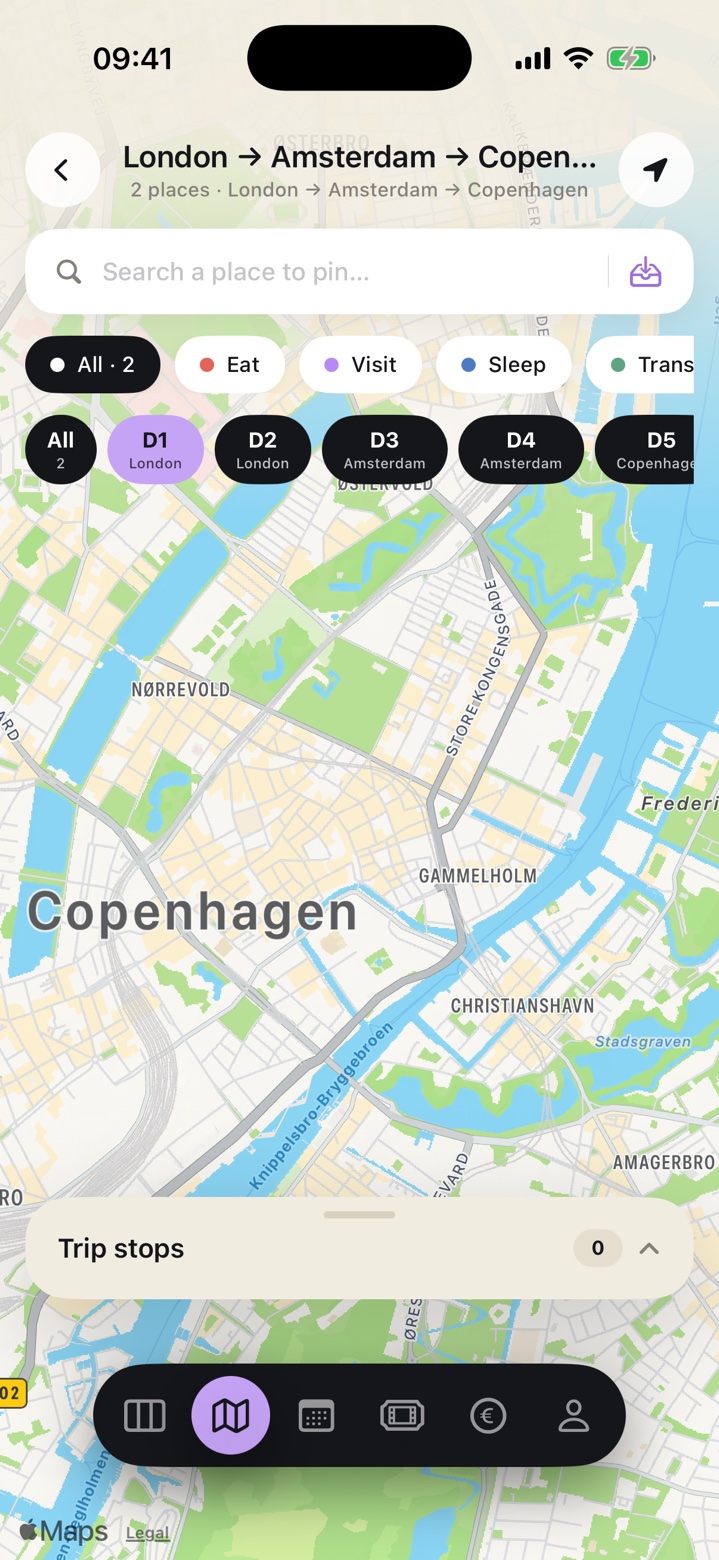
Pin places, sort them into 11 categories, draw the route on foot, by bike, by transit or by car. Drop each stop into your day, hour by hour.
- Daily weather and walking time between stops
- “Are we going?” votes between travelers
- Map and days always in sync
10:00 · Import
Paste aGoogle Maps list.
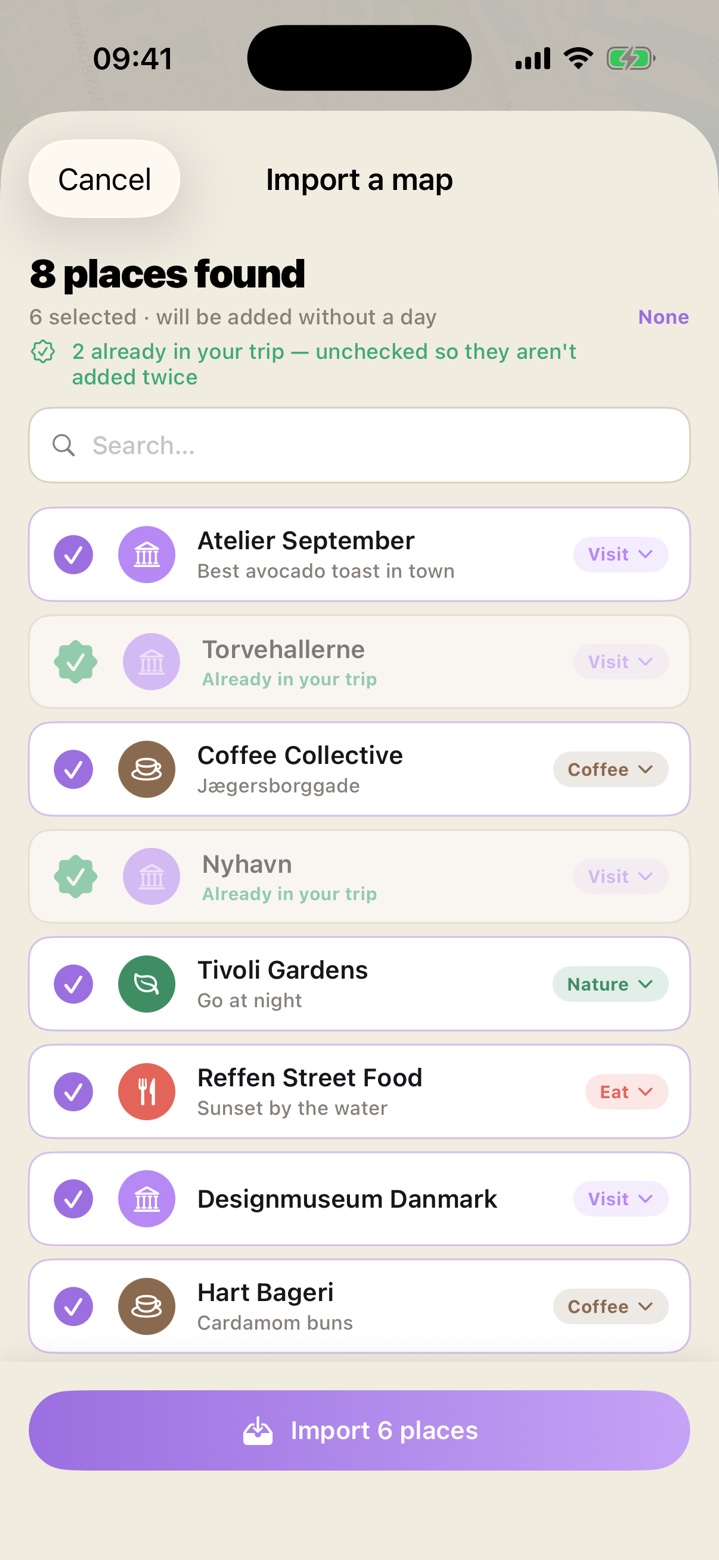
One link, and your places arrive: categories guessed, duplicates skipped, uncheck what you don’t want.
Works with shared Google Maps lists and maps.
11:00 · Tickets
Your ticket,even offline.
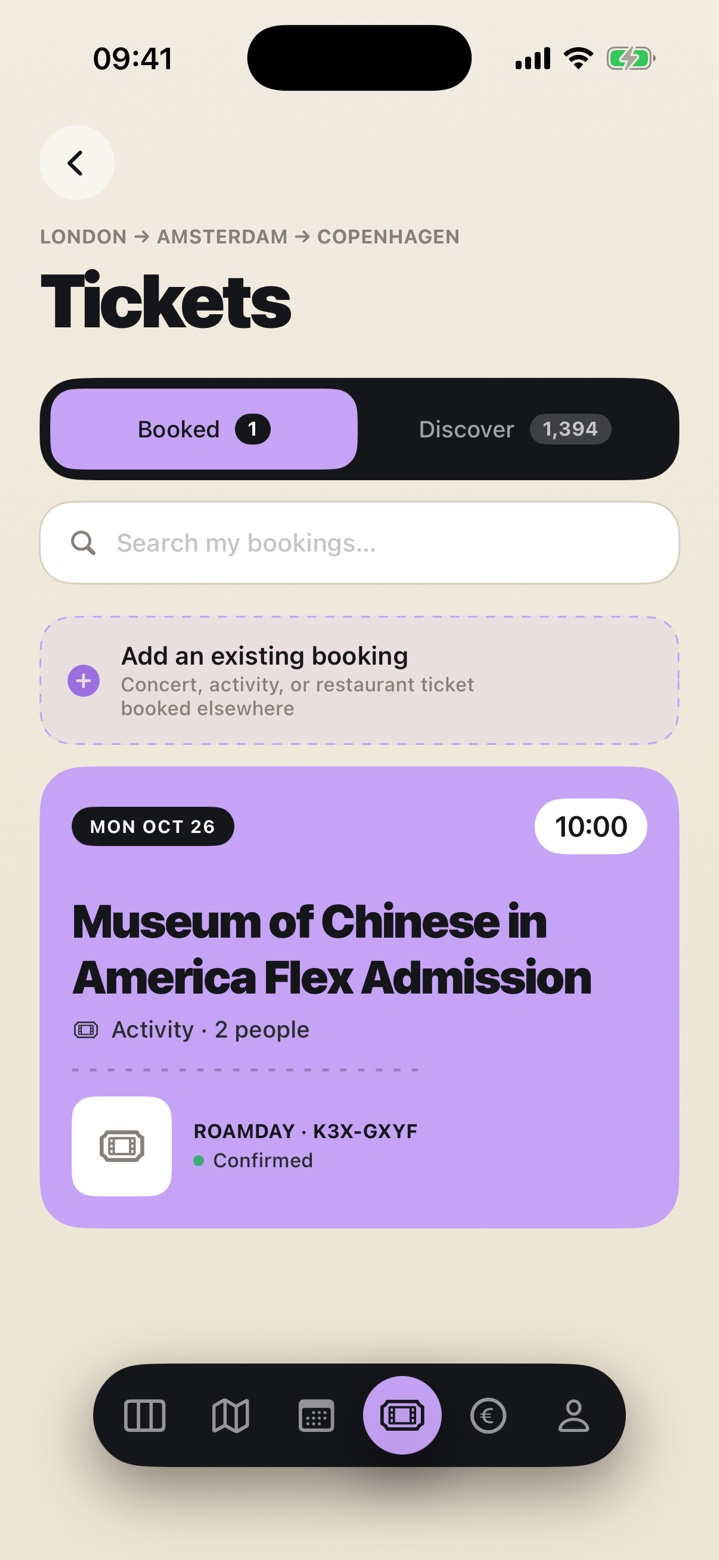
Screenshot, PDF or .pkpass: the code is read and the ticket files itself on the right date. Maximum brightness when scanning, add to Apple Wallet if you like. Nothing is added without your approval.
- QR, Aztec, PDF417 and Code 128
- Tickets readable offline
18:30 · On the go
Leave on time,without thinking.
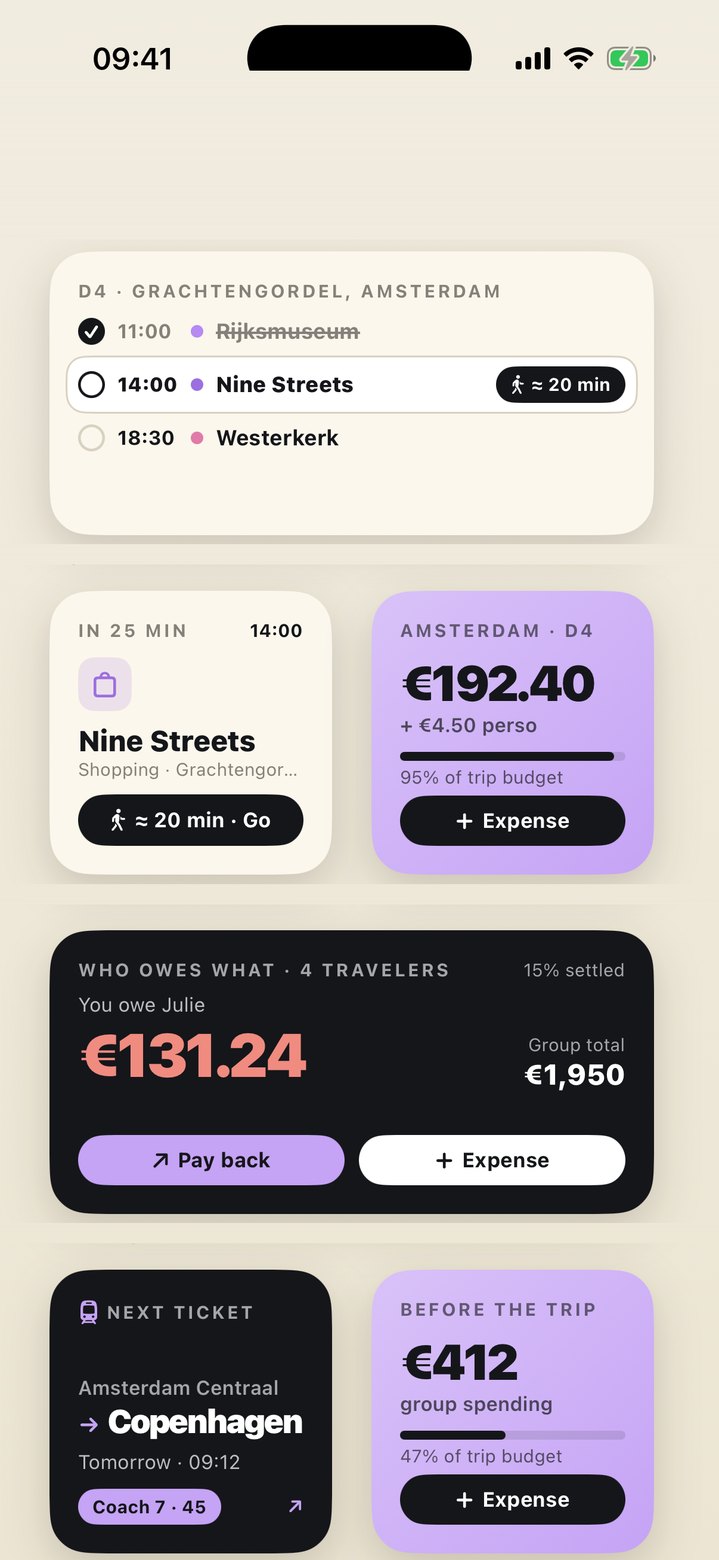
Widgets, Live Activities and Siri shortcuts keep the next stop in sight. “Leave now” works out when to leave the hotel: train time, minus your buffer, minus the real travel time.
- 8 widgets, 2 Live Activities, 10 Siri shortcuts
- Check off a stop without opening the app
21:00 · Money
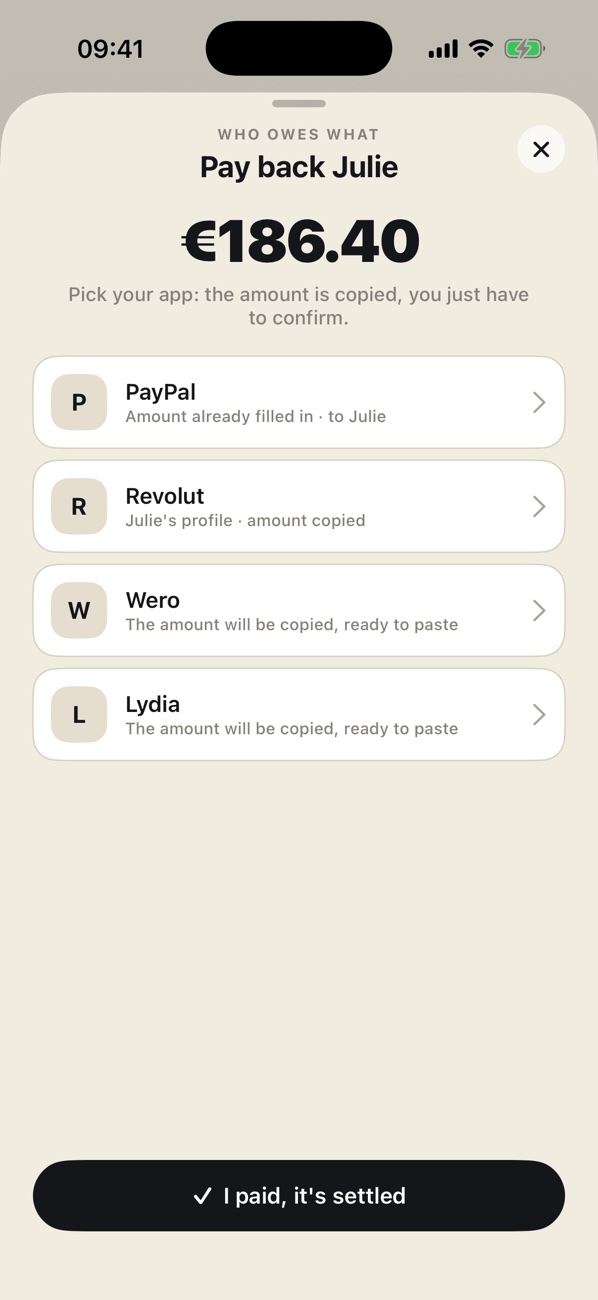
Who owes what?Settled.
Expenses are split in local currency, balances work themselves out, and one tap opens PayPal, Revolut, Wero or Lydia with the amount ready. Your Apple Pay can even file your expenses for you.
RoamDay doesn’t process any payment. Automatic adding needs a Shortcuts automation, set up once (2 minutes).
23:30 · Memories
The trip is over.The film begins.
A Wrapped-style memory card and a 15-second video made on your iPhone, ready to share as a story. Your photos stay on your iPhone.
D1 · 3 stops · 14 min on foot
8 places found2 already in your trip
Code read ✓Date · time · seat
RNOWLeave now
All settled ✓
Share as a story